
This course introduces students to the fundamentals of web development. Students will learn how websites are created using HTML, CSS, and basic JavaScript. By the end of the course, students will be able to design and build simple, responsive web pages.
After completing this course, students will be able to:
This chapter discusses the fundamentals of software development and software engineering, including the Software Development Life Cycle (SDLC), development phases, software teams, project management, testing, documentation, Agile methodologies, system architecture, and modern software development tools. It also explains the importance of collaboration, quality assurance, and structured processes in developing high-quality software systems.
This chapter discusses the Software Development Life Cycle (SDLC), which is a structured process used in software development. It explains the main phases involved, including planning, requirements analysis, design, implementation, testing, deployment, and maintenance. The chapter also highlights the importance of each phase in ensuring the development of high-quality and reliable software systems.
Please listen carefully and understand the key points discussed throughout this session on Software Engineering in the Era of Artificial Intelligence (AI). Students are encouraged to take important notes during the presentation, as there will be a discussion session afterwards to share opinions, ideas, and understanding regarding the topic.
Please watch the IT Career Path video carefully and understand the different career opportunities available in the Information Technology (IT) industry. Students are encouraged to take note of the important points, roles, and skills mentioned in the video, as there will be a discussion session afterwards to share thoughts, interests, and understanding about the various IT career paths.
Visual Paradigm is a software development and modeling tool used to help developers, analysts, and project teams design, visualize, and manage software systems more effectively. It is commonly used in software engineering for creating diagrams, planning systems, and documenting project structures.
Some of the main features of Visual Paradigm include:
UML Diagrams
Supports diagrams such as Use Case Diagram, Class Diagram, Sequence Diagram, Activity Diagram, and more for system analysis and design.
Business Process Modeling
Helps organizations model workflows and business processes using BPMN diagrams.
Database Design
Allows users to create Entity Relationship Diagrams (ERD) and generate database structures.
Agile & Project Management Support
Includes tools for Scrum, user stories, sprint planning, and task management.
Code Engineering
Supports code generation and reverse engineering for programming languages such as Java, C++, and others.
Collaboration & Documentation
Enables teams to collaborate and automatically generate project documentation.
Visual Paradigm is widely used by students, lecturers, software developers, system analysts, and project managers because it helps simplify complex system designs and improves communication within development teams.
Software testing is the process of evaluating and verifying a software application to ensure it functions correctly, meets user requirements, and is free from defects or bugs. It plays an important role in improving software quality, performance, security, and reliability before the system is released to users. Software testing involves different testing methods and techniques such as unit testing, integration testing, system testing, and user acceptance testing to ensure the software operates as expected in various situations.
Software Requirements Specification (SRS) is a document that describes the functional and non-functional requirements of a software system. It explains what the system should do, the features it must provide, and the constraints or conditions that need to be fulfilled during software development. SRS acts as an important reference for developers, testers, project managers, and stakeholders to ensure the software is developed according to user and business requirements. It also helps improve communication, reduce misunderstandings, and support proper planning, testing, and maintenance throughout the software development process.
This software project is developed to provide practical understanding and implementation of software engineering concepts and system development processes. The project includes system planning, requirements analysis, design, implementation, testing, and documentation to ensure the software functions effectively according to user requirements. It also helps students improve their technical skills, problem-solving abilities, teamwork, and understanding of real-world software development practices.
This online video class provides students with learning materials, explanations, and practical knowledge related to the course topic through video-based learning sessions. Students are encouraged to watch the videos carefully, understand the important concepts discussed, and take notes for better understanding. The video class aims to support self-learning, improve knowledge and skills, and prepare students for further discussions, activities, and practical exercises related to the subject.
This online video class provides students with learning materials, explanations, and practical knowledge related to the course topic through video-based learning sessions. Students are encouraged to watch the videos carefully, understand the important concepts discussed, and take notes for better understanding. The video class aims to support self-learning, improve knowledge and skills, and prepare students for further discussions, activities, and practical exercises related to the subject.
This Gantt Chart is created to present the project schedule, task planning, and timeline management throughout the software development process. It helps students understand the sequence of activities, task duration, deadlines, and project progress in an organized manner. The Gantt Chart also improves project planning, monitoring, teamwork coordination, and time management skills during project implementation.
This data visualization project focuses on presenting information and data in graphical and visual formats such as charts, graphs, dashboards, and reports to improve understanding and analysis. The project helps students learn how to organize, analyze, and display data effectively using visualization techniques and tools. It also enhances skills in interpreting data, identifying patterns and trends, and communicating information clearly for better decision-making and presentation purposes.
This software music project is developed to provide users with a platform to play, manage, and organize digital music efficiently. The project may include features such as music playback, playlist management, song search, audio controls, and user-friendly interfaces to enhance the listening experience. It also helps students understand the concepts of multimedia application development, database management, and user interface design in software engineering.
This Software Engineering Roadmap provides a structured guideline for students to understand the learning path, skills, tools, and technologies involved in software engineering. It covers important areas such as programming, software development life cycle (SDLC), database management, system design, testing, version control, web and mobile development, and project management. The roadmap helps students identify the knowledge and competencies needed to become successful software engineers and prepares them for real-world industry practices and career development.
This Flow Chart Template is provided as a guide for students to design and visualize the workflow, process flow, and logic of a system or application in a structured manner. It helps students understand the sequence of operations, decision-making processes, and system functionality through graphical representation. The template also supports better planning, problem-solving, communication, and documentation during software development and system analysis activities.
This Flow Chart Template is provided as a guide for students to design and visualize the workflow, process flow, and logic of a system or application in a structured manner. It helps students understand the sequence of operations, decision-making processes, and system functionality through graphical representation. The template also supports better planning, problem-solving, communication, and documentation during software development and system analysis activities.
Testing External Doc
External Project
Drive PDF
Drive PP
Drive Sound
Drive Video
Drive Image
Drive Zip File
Drive Document
Drive Project
Iframe
Scorm
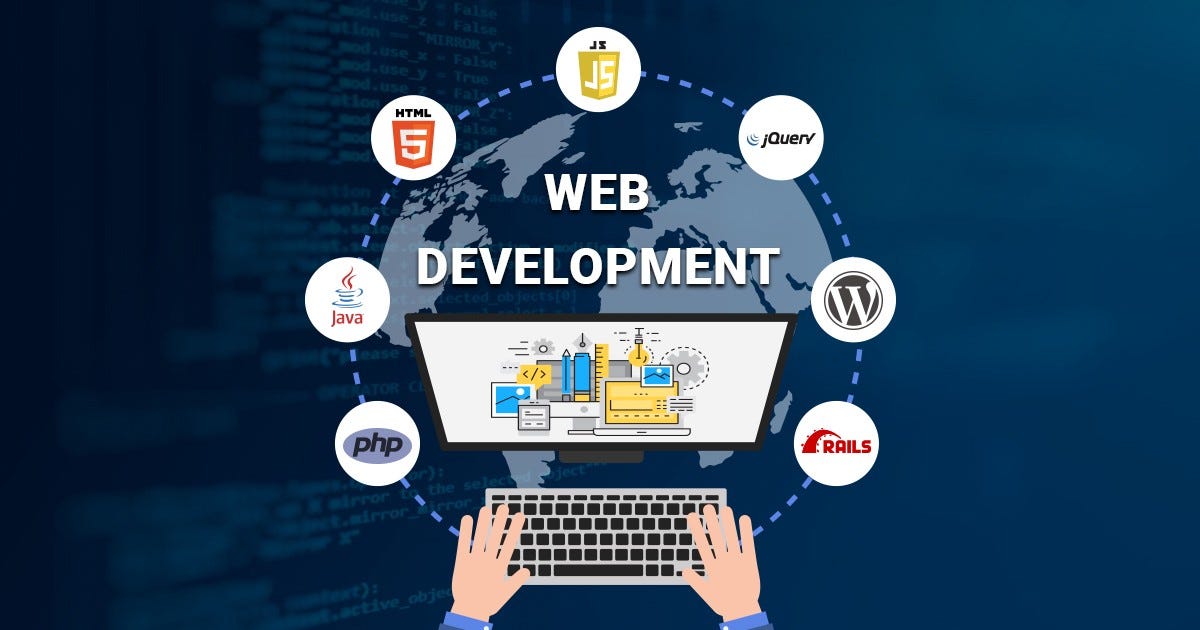
Web development is the process of creating and maintaining websites and web applications that run on the internet. It involves designing web pages, writing code, managing databases, and ensuring websites work smoothly across different devices and browsers.






This course is so amazing, give us a lot of knowledge about basic understanding for web development. Recommended!